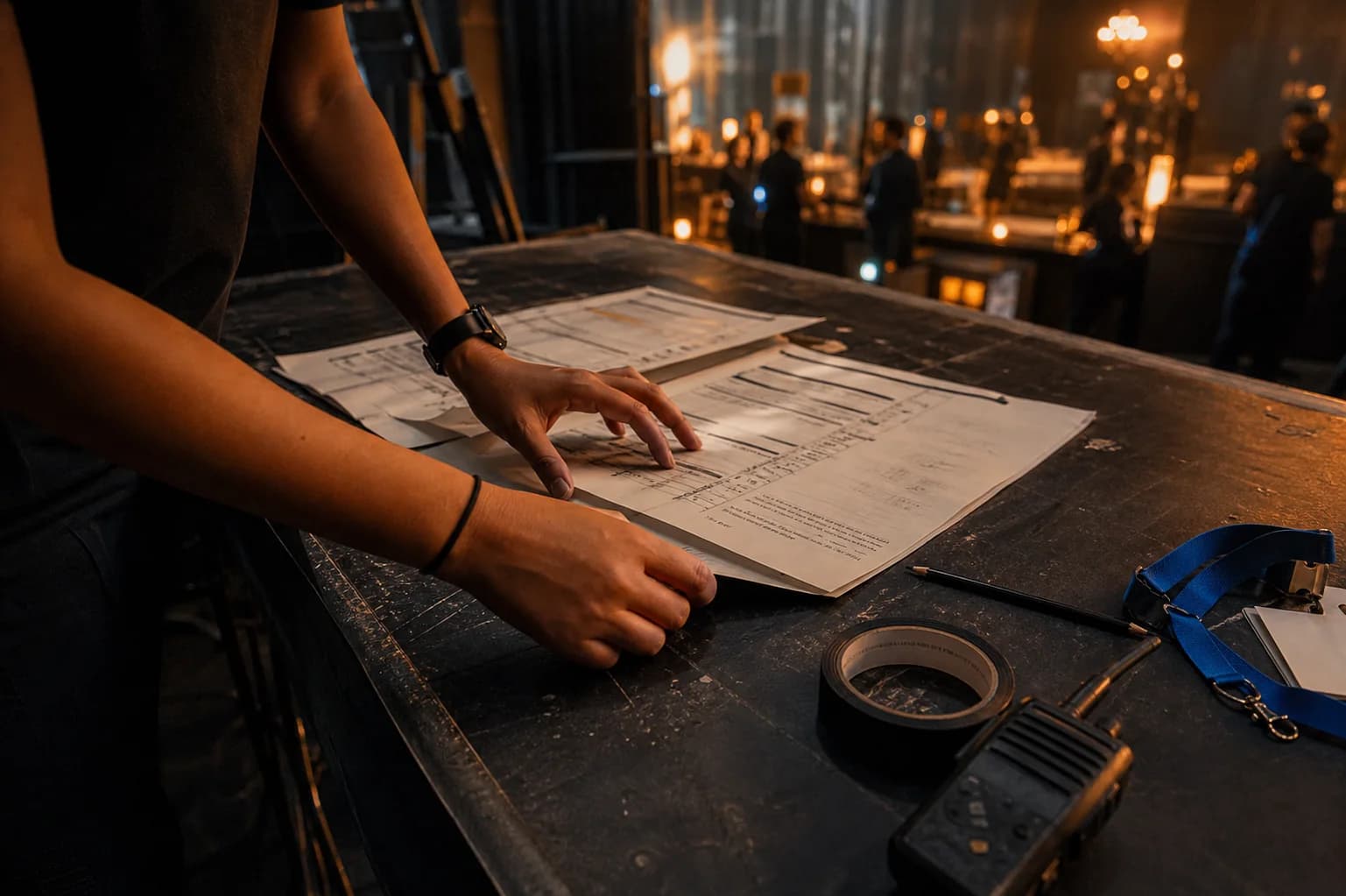
Start with documented contact attempts
Check the last agreed response time and the current booking status. Send one concise request for the missing confirmation and a deadline appropriate to the event.
Provider follow-up
Booking/reference: [reference]
Our event is on [date/time]. Please confirm [arrival, scope or outstanding detail] by [requested time]. I last contacted you on [dates]. If you cannot deliver the agreed service, please tell us promptly so we can contact Booka support about the next step.
Escalate by event proximity
Escalate based on the actual risk, not a rigid waiting period. If the event is imminent or a critical requirement is unresolved, contact support promptly with that context.
Practical checklist
- For a later event, agree a realistic confirmation deadline and track it.
- If a promised deadline is missed, send the timeline to support.
- For an imminent event, state the event start time and immediate operational risk.
- Explore alternatives without assuming the original booking has been cancelled.
Escalate to support with evidence-ready context
Give support the booking reference, event time, the last response and your dated contact attempts. Identify exactly what decision you need help with.
Keep relevant screenshots or messages, but avoid repeatedly opening duplicate requests. Support needs to review the record; this guide does not promise an emergency response time or a replacement provider.